
Help Center

Answers for the Dark Reader extension and tools: when a site stays bright, when a file will not open, where your files go and how to get in touch.

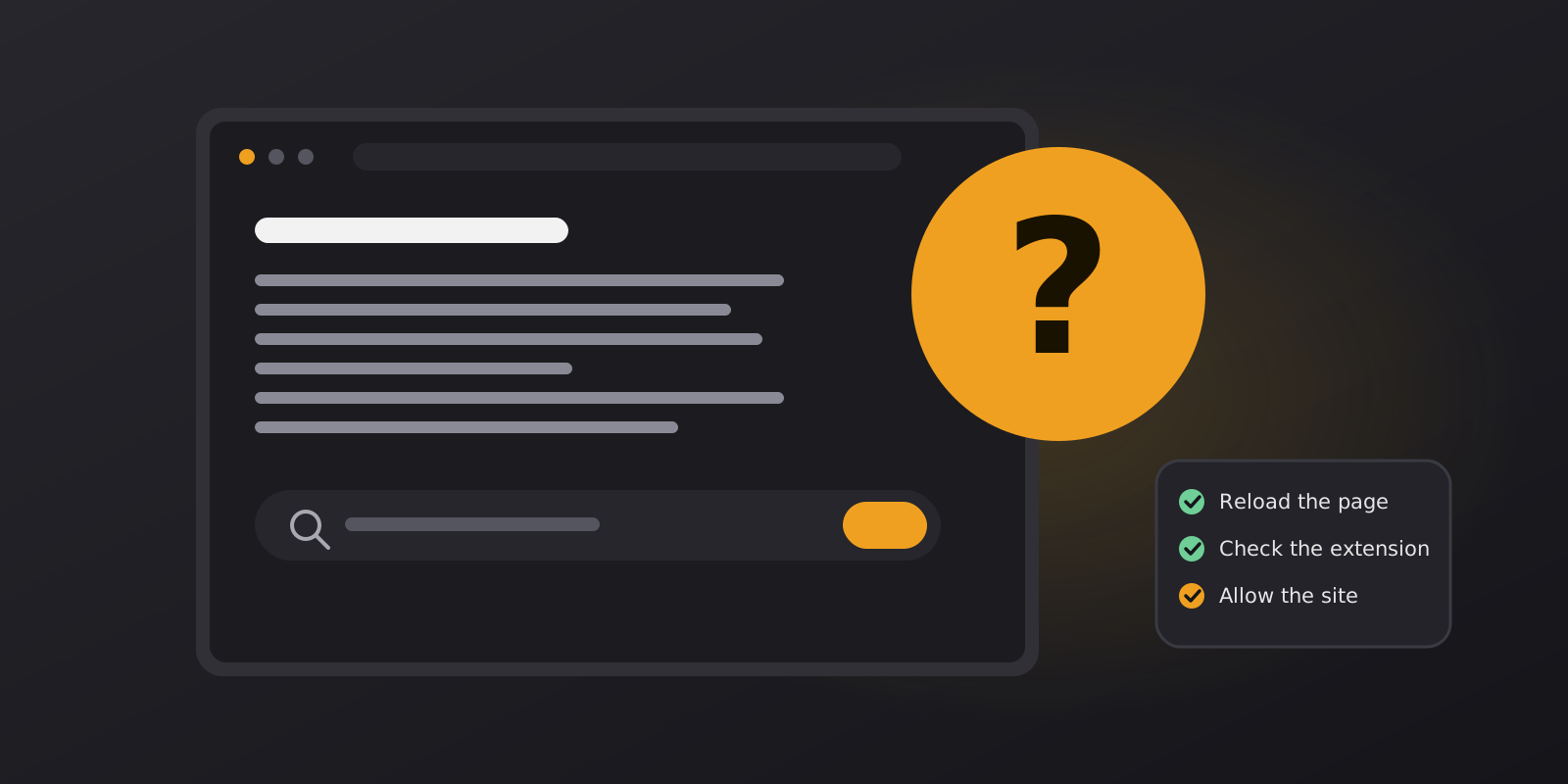
A browser window with a search box, a large question mark and a short checklist

Start here

Most questions fall into three groups: the extension does not change a page the way you expect, a file does not open in one of the tools, or you want to know what happens to your data. The six articles above cover all three, and the list below points you to the right one.

Which article should I read?

Get or update the extension

The extension is free for Chrome and Microsoft Edge. Browsers update extensions automatically, and this article shows how to check.

Before you contact us

A good report gets a faster answer. Please include:

  • The address of the page where the problem happens, or the name of the tool.
  • Your browser and its version, and your device.
  • What you expected, and what you see instead.
  • Whether it happens on every site or only on one.

Please do not send private documents. Describe the problem or attach a screenshot instead. Then use the contact form.

Frequently Asked Questions

Quick answers about the extension, the tools and your files.

Do I need the extension to use the tools?

No. The tools on this website work on their own, right in your browser. The extension is optional and adds dark themes to the other sites you visit.

Is it free?

Yes. There are no accounts, page limits or watermarks, and nothing to pay for the tools or for the extension.

Are my files uploaded?

No. Files are read and processed in your browser tab and are not sent to our servers. My Library saves a copy only when you ask it to, and it stays on your device.

Which browsers does the extension support?

It is available for Chrome and for Microsoft Edge. The tools on this website work in any modern browser, on desktop and on phones and tablets.

Does it work on phones and tablets?

The tools do. Open this website in a mobile browser and the layout adapts to the screen. Extensions depend on the browser, so check whether yours supports them.

Can I keep a darkened copy of a PDF?

Not yet. The reader applies the dark tone while you read and never changes your file. A convert option that saves a darkened copy is something we are considering.

Why does one site look better without dark mode?

Some pages are designed carefully in their own colours. Add the site to the extension’s white-list and it will be left untouched.

How do I contact you?

Use the contact form or write to [email protected]. Suggestions, problems and the reason you removed the extension are all welcome.